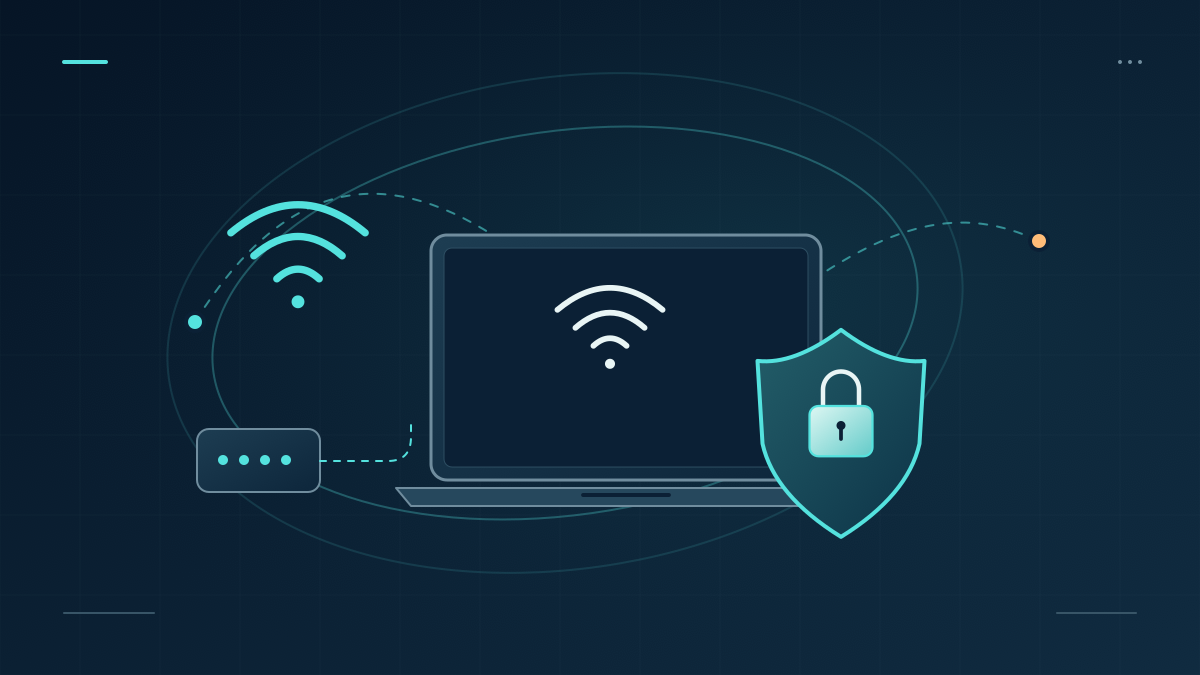
Public Wi-Fi networks are convenient, but they come with significant security risks. Whether you’re at a café, airport, or hotel, connecting to an unsecured network can expose your personal data to cybercriminals. Fortunately, with the right precautions, you can minimize these risks and browse safely.
The Dangers of Public Wi-Fi
Hackers can exploit public networks in several ways, including:
- Man-in-the-Middle Attacks – Intercepting your data in transit.
- Rogue Hotspots – Fake Wi-Fi networks designed to steal information.
- Packet Sniffing – Capturing unencrypted data sent over the network.
- Session Hijacking – Stealing login sessions to access your accounts.
Best Practices for Staying Safe
To protect yourself while using public Wi-Fi, follow these essential security tips:
✅ Use a VPN (Virtual Private Network) – Encrypts your internet traffic, keeping your data private.
✅ Enable HTTPS Everywhere – Ensures data encryption when browsing websites.
✅ Turn Off Auto-Connect & Bluetooth – Prevents your device from automatically connecting to unsecure networks.
✅ Avoid Logging into Sensitive Accounts – Refrain from accessing banking or confidential work information.
✅ Use Two-Factor Authentication (2FA) – Adds an extra layer of security to your online accounts.
Advanced Security Measures
For additional protection:
- Use a Personal Hotspot instead of public Wi-Fi when possible.
- Disable File Sharing & Network Discovery to prevent unauthorized access.
- Keep Your Software & Security Patches Updated to guard against vulnerabilities.
- Log Out & Forget Networks after using public Wi-Fi to prevent unauthorized reconnections.
Final Thoughts
Public Wi-Fi can be a security risk, but by taking the right precautions, you can protect your personal data from cyber threats. Stay proactive, remain cautious, and follow these safety measures whenever you connect to an open network.
🔒 Download our free guide on Public Wi-Fi Safety for a detailed checklist and step-by-step security tips!

Related Posts
Why You Should Think Twice About Using LastPass for Your Business
Your Online Reputation May Be Damaged